Land an appeal in 5,000 personal Gmail inboxes in a single day and Google counts your organization as a bulk sender. For a donor file, that is closer than it sounds: individual donors sign up overwhelmingly with personal addresses, and a large share of any consumer list is Gmail. Cross the line once and the label sticks: Google's sender guidelines FAQ says senders who meet the threshold "at least once are permanently considered bulk senders." That matters more than it did a year ago, because the grace period is over. Since November 2025, Gmail has been ramping up enforcement against mail that fails its authentication requirements, including what it calls temporary and permanent rejections. Not the spam folder. Rejections.
If your fall and year-end appeals are the backbone of your fundraising, the technical checklist below is now part of the job. The good news is that most of it is either already handled by your email platform or is a one-time fix that takes an afternoon.
All Three Major Mailbox Providers Now Ask for the Same Things
Google and Yahoo switched on matching requirements for bulk senders in February 2024, and Microsoft followed for its consumer domains (outlook.com, hotmail.com, live.com) in May 2025. Google and Microsoft draw the line at 5,000 or more messages a day to their personal accounts; Yahoo declines to publish a number and says only that "significant volume" makes you a bulk sender. Google counts everything sent from your primary domain, subdomains included, so your advocacy alerts and your event reminders add up alongside the appeal itself.
The shared core, per Google's sender guidelines and Yahoo's sender requirements: authenticate your mail with SPF, DKIM, and DMARC; make sure the domain donors see in the From line matches the domain that authentication vouches for; give marketing recipients one-click unsubscribe; and keep your spam complaint rate below 0.3%. The unsubscribe rule covers marketing and subscribed messages; transactional mail like gift receipts is exempt. Microsoft asks for the same authentication trio and routes failing mail to the junk folder, with outright rejection announced as the next step.
Read the threshold the way Gmail does: it counts messages delivered to personal Gmail accounts, not your total list size. A monthly newsletter to 2,000 people is nowhere near it. A year-end blast to a 12,000-name list that is half Gmail crosses it in one send. Most small nonprofits sit somewhere in between, which is exactly why the safer read is to treat the bulk sender rules as your baseline: even senders below the line must authenticate with at least SPF or DKIM and stay under the same spam rate, and Yahoo never promised you a number at all.
Your Email Platform Handles Most of It. Two Things Are Yours Alone
If you send through an email service provider (ESP, the industry term for platforms like Mailchimp, Constant Contact, or Campaign Monitor), a lot of this checklist is already done for you. The platform adds the one-click unsubscribe header (a standard called RFC 8058), honors opt-outs, encrypts delivery, and formats messages to spec. Yahoo expects unsubscribes honored within two days; reputable platforms do it instantly.
Two things no platform can do for you.
First, you need your own domain. Appeals sent from a free @gmail.com or @yahoo.com address through an ESP fail the alignment test by definition, because you cannot authenticate a domain you do not own. If your nonprofit still sends from a personal-style address, moving to yourname.org is the prerequisite for everything else.
Second, the DNS records live with whoever manages your domain, not your ESP. DNS (the domain name system, the internet's address book) is where the three authentication records get published, and only someone with access to your domain account can publish them.
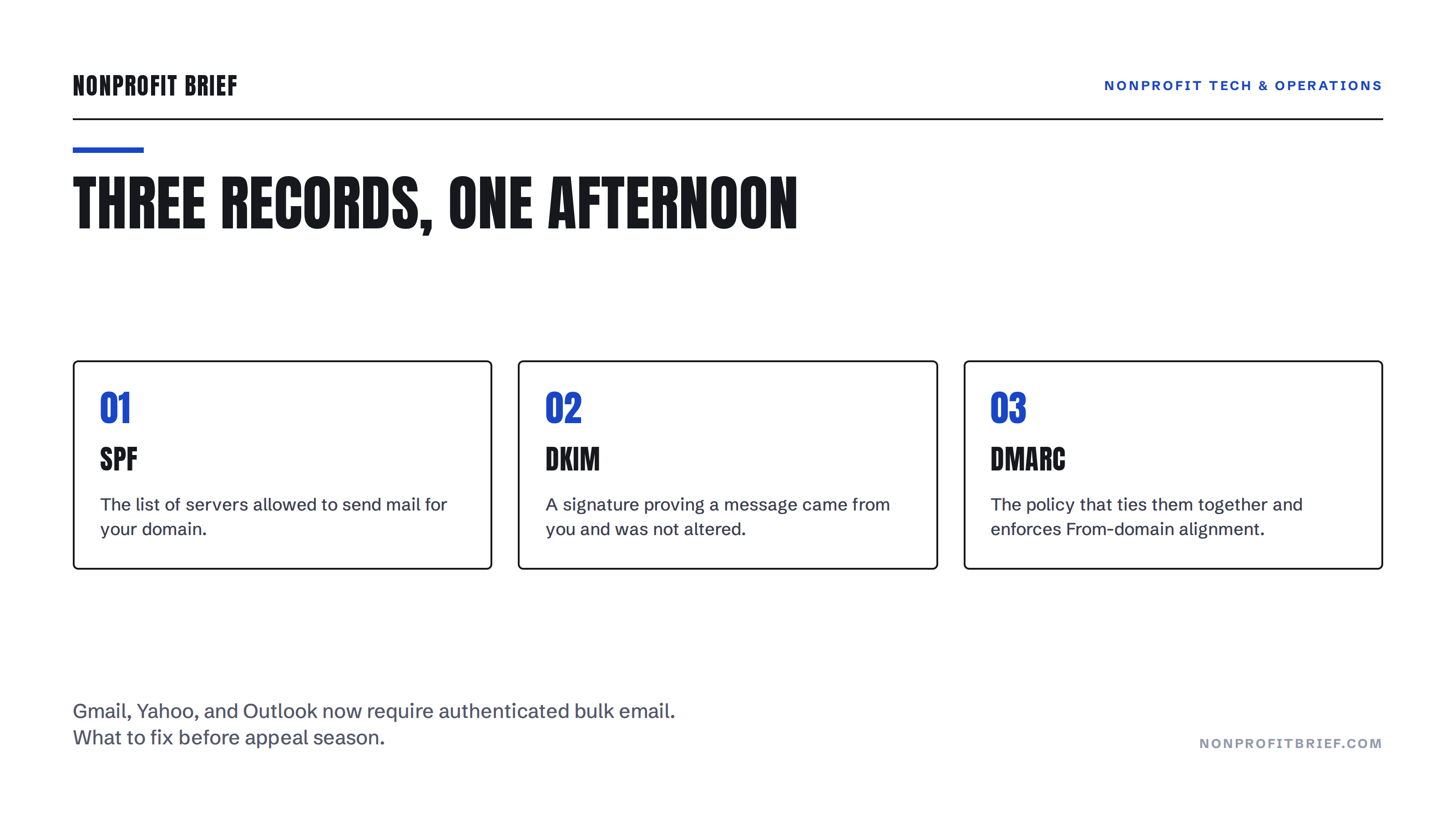
Three Records, One Afternoon
Here is what each record does, in the order to set them up. SPF is a list of servers allowed to send mail for your domain. DKIM is a cryptographic signature proving a message actually came from you and was not altered. DMARC is the policy that ties them together: it tells receiving servers what to do with mail that fails, and it enforces the alignment between your From domain and the authenticated domain.
Every major ESP has a domain authentication wizard that spits out the exact SPF and DKIM records to paste into your DNS. For DMARC, the providers accept a minimal monitoring-only policy: a single line, published at _dmarc.yourdomain.org, reading v=DMARC1; p=none;. That "p=none" satisfies Gmail, Yahoo, and Outlook while changing nothing about how your mail is treated. Stricter policies exist, and outcomes there depend on your sending setup, so start at none and tighten later if you have a reason to.
The Spam Rate Is a Budget Line Now
Authentication is a one-time fix. The complaint rate is ongoing. Google's line is a spam rate below 0.3% as measured in Postmaster Tools, its free monitoring dashboard, and it recommends staying under 0.1% for cushion. Three complaints per thousand messages that reach the inbox is not a generous margin during appeal season, when volume spikes and lapsed names get mailed.
The defense is list hygiene, which fundraisers already have reasons to do: mail people who asked to hear from you, retire addresses that never engage, and clean the file before the year-end rush. Deliverability and retention reward the same behavior.
The Takeaway
Email earned nonprofits an average of $2.40 per subscriber in 2025, up from $1.87 the year before, and it carried 11% of online revenue, per M+R's 2026 Benchmarks study. That revenue now rides on three DNS records and a complaint rate. This week: confirm you send from your own domain, run your ESP's authentication wizard, publish a p=none DMARC record, and open a Postmaster Tools account. None of it requires an engineer, and all of it beats discovering in December that Gmail stopped accepting your appeals in November.