Type "best CRM for small nonprofit" into a search engine and read the results with one question in mind: who paid for this page? Many of the lists that come back are published by the vendors themselves, and most of the rest earn referral fees from the products they rank. This comparison does neither. Nonprofit Brief has no affiliate relationships with any company named here, and no vendor saw this piece before publication. What follows comes from each company's own published pricing, checked in September 2026.
You Are Picking a Pricing Model Before a Product
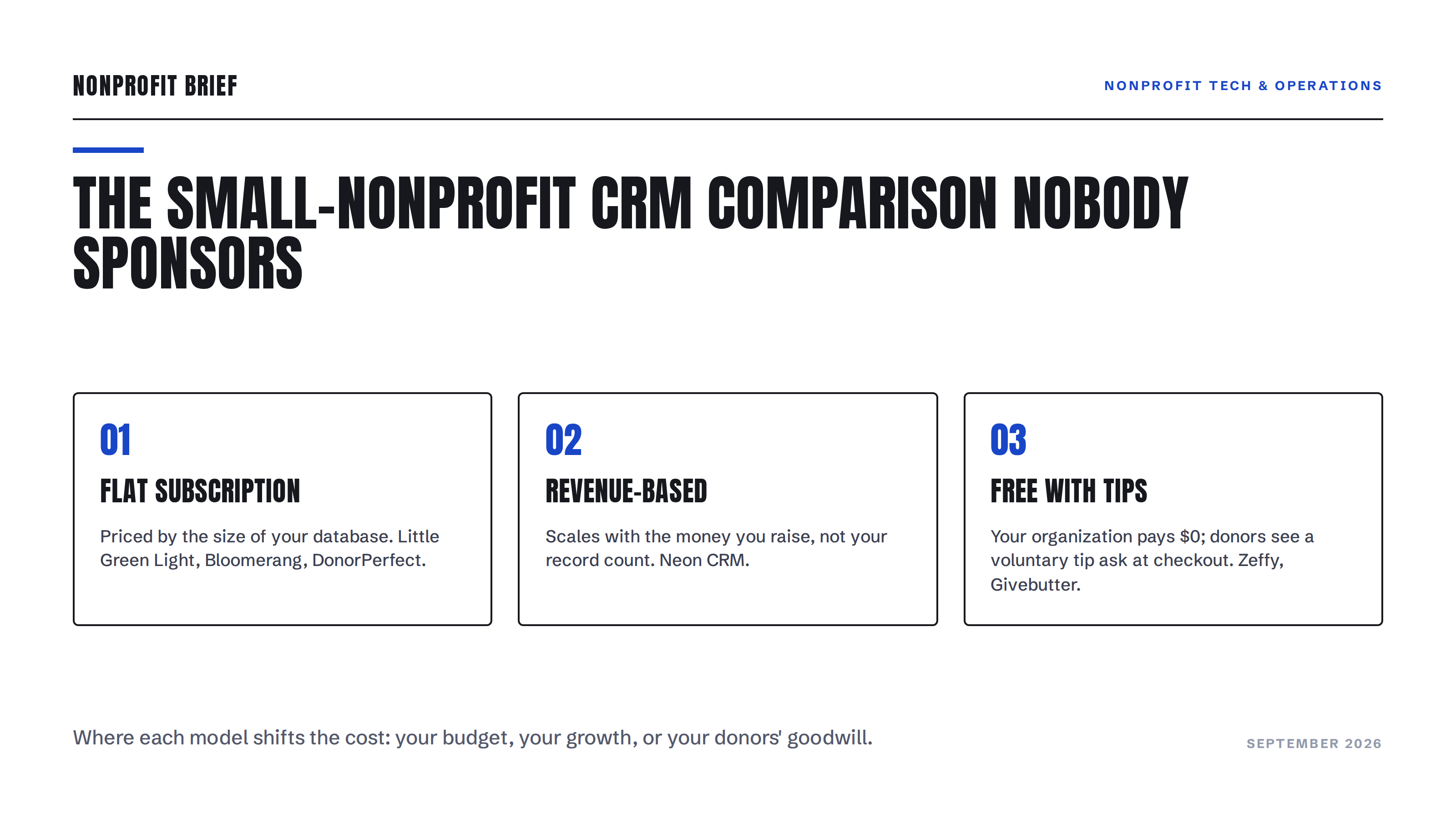
The options below sort into three models. Flat subscriptions price by the size of your database: Little Green Light, Bloomerang, and DonorPerfect work this way. Revenue-based pricing scales with the money you raise: Neon CRM does this. Free-with-tips platforms charge your organization nothing and ask your donors to leave a voluntary tip at checkout: Zeffy and Givebutter built their businesses on it. Each model shifts the cost somewhere different, onto your budget, your growth, or your donors' goodwill. Decide which shift you can live with before you compare a single feature.
The Starting Prices Run from $0 to $125 a Month
Little Green Light starts at $45 a month for up to 2,500 constituent records, and every tier includes every feature and unlimited users. Prepaying a year takes 10% off, and the first 30 days are free. It is the closest thing the sector has to a utility: unglamorous, complete, and cheap.
Bloomerang lists its CRM at $125 a month billed annually, with cost scaling by the number of records you track. The $40-a-month Fundraising product on the same page, also billed annually, cannot be bought alone; Bloomerang notes it must be purchased as part of a bundle with the CRM.
DonorPerfect advertises three tiers starting at $99 a month, but the actual number comes from a sales conversation: the company provides a personalized quote rather than published tier prices. If the only way to learn the price is a call, get every recurring cost in the quote in writing.
Neon CRM also starts at $99 a month, but the price is based on your organization's revenue rather than your record count, and contacts and users are unlimited. Add-on modules cost a percentage of your subscription: 10% more for memberships, 20% for events, 10% for volunteers. A growing budget means a growing bill, which is either fair or annoying depending on the year you are having.
Zeffy charges $0, with no platform, transaction, or card fees, and includes a donor CRM alongside its fundraising tools. It is funded by voluntary donor tips at checkout; the company says that on average, two out of three donors leave one.
Givebutter's core product, including a CRM with unlimited contacts, is free when donor tips are enabled. Turn tips off and a flat 3% platform fee applies, plus card processing of 2.9% and 30 cents per transaction. A paid tier, Givebutter Plus, adds automation and reporting for $29 a month at up to 250 contacts, rising to $129 a month at 2,500.
One more, for shops with volunteer technical talent: CiviCRM is open-source software. You pay in hosting and setup time instead of subscription dollars, and that trade only works if someone on your team enjoys it.
The Real Costs Are Not on Anyone's Pricing Page
Payment processing compounds quietly. Little Green Light's donation forms, for example, route a fee starting at 2.2% plus 30 cents per gift to the payment processor even though none of it goes to LGL. On $50,000 of online giving, a typical processing rate costs your organization well over $1,000 a year, which can exceed the subscription it sits under. Run the math on your own gift volume, not the vendor's example.
Free-with-tips has a cost too, and it lands on donor experience rather than your budget. Your donors see the tip ask at checkout, and some of them resent it. A donor's proposed class action against Givebutter, over tips and fees added at checkout by default, is now working through the courts; we covered what that suit means for your donation page. Zeffy's tips are voluntary as well, and the same discipline applies to every platform on this list: click through your own checkout as a donor before your donors do.
Migration is the cost nobody budgets. Exporting, deduplicating, and re-importing years of gift history takes real staff hours whichever direction you move, which is a strong reason to clean your donor data before it travels. And whichever system ends up sending your appeals must pass the bulk email authentication rules Gmail and Yahoo now enforce, so ask how a vendor handles sending authentication before you sign, not after your January receipts bounce.
The takeaway
There is no best CRM for small nonprofits, only a best fit for your file size, budget, and tolerance for tip prompts. If you want the cheapest complete database with published prices, start by pricing Little Green Light. If your budget is zero and your donor file is young, the tip-funded platforms are credible options, provided you are comfortable with what your donors see at checkout. If a vendor's price requires a sales call, treat the quote like a grant budget and pin down every line. Whatever you choose, the deciding feature is not on any comparison chart: it is whether your team will actually open the thing on a Tuesday.